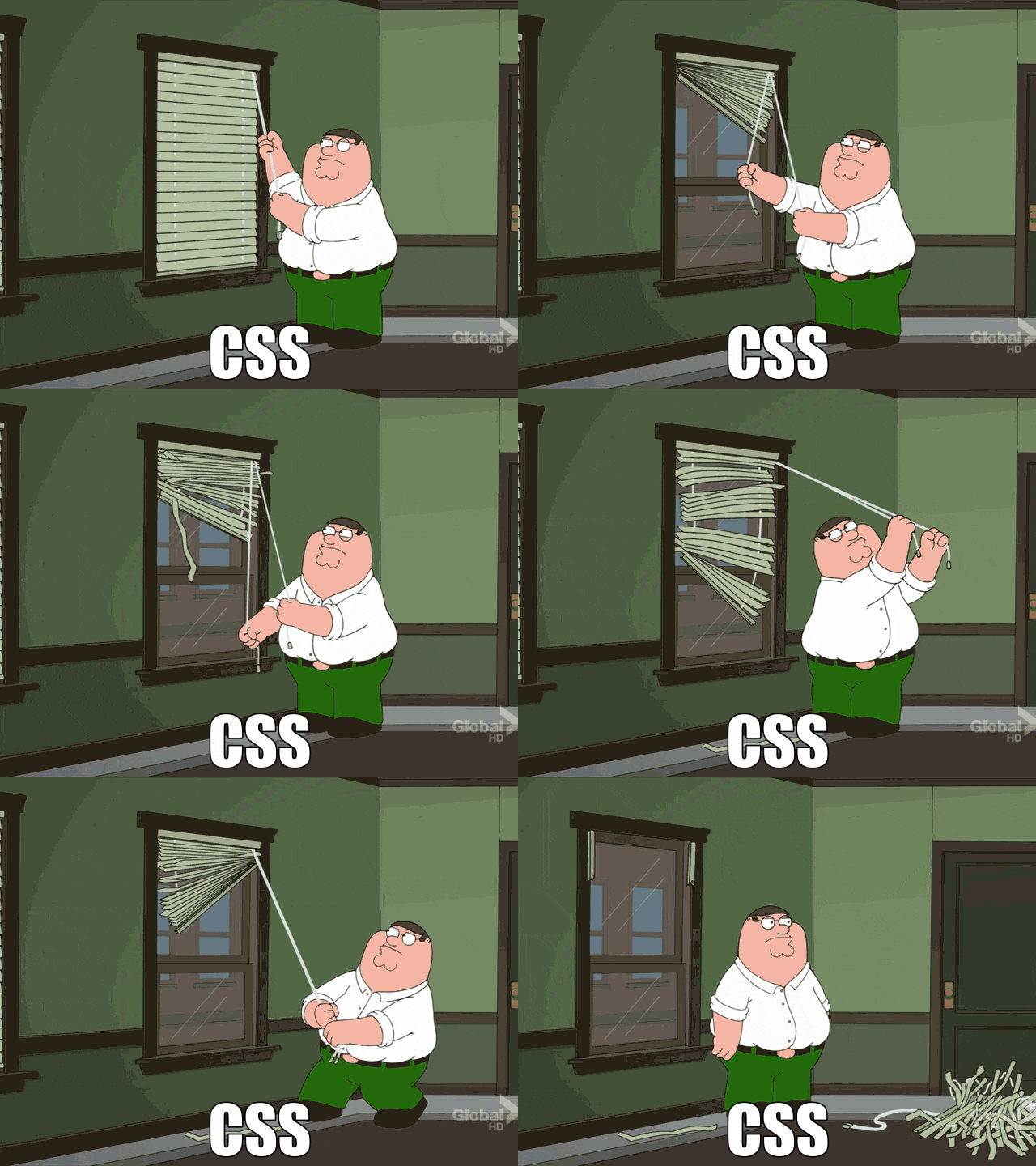
If you've been around on the internet, you've definitely seen a fair share of animations on websites. In my opinion, animations aren't necessary per-se, but that doesn't mean that you shouldn't learn how to use animations.
What are Animations?
Okay, okay, maybe I got a little too far ahead—what exactly are animations (in the context of web development)? At the core, animations are created with CSS, you've probably heard of @keyframes before. Animations can bring forth your greatest level of creativity and transform static designs into dynamic, engaging experiences.
Why Animations Matter
Here's the thing: animations serve a purpose beyond just looking cool. They're a form of visual communication. When used thoughtfully, animations can:
- Guide attention - Draw users' eyes to important elements or changes on the page
- Provide feedback - Confirm that an action was successful (like a button click or form submission)
- Show relationships - Illustrate how elements connect or transform from one state to another
- Reduce cognitive load - Smooth transitions help users understand what's happening instead of abrupt changes
Think about the last time you clicked a button and nothing happened visually. Did you click it again? That moment of uncertainty could've been solved with a simple animation acknowledging your interaction.
The Fine Line
The power of animations lies in subtlety. Too much movement creates chaos and distracts from your content. Too little, and your site feels lifeless. The sweet spot? Animations that users don't consciously notice but would miss if they were gone.
Consider these principles:
- Duration matters - Most UI animations should be quick (200-400ms). Anything longer feels sluggish.
- Purpose over decoration - Every animation should solve a problem or improve understanding, not just exist for aesthetic reasons.
- Respect user preferences - Some users have motion sensitivity. Always respect
prefers-reduced-motionsettings.
Examples in the Wild
You see effective animations everywhere once you start looking. The loading spinner that keeps you patient. The smooth scroll that helps you track your position. The hover effect that confirms an element is clickable. These micro-interactions might seem insignificant, but they collectively shape how users feel about a product.
Final Thoughts
Animations aren't just a nice-to-have feature—they're a powerful tool in your UX toolkit. When done right, they make interfaces feel more human, responsive, and intuitive. The key is restraint: use animations to enhance understanding and delight users, not to show off your technical skills.
Start small. Add a hover state. Animate a loading indicator. Smooth out a page transition. You'll quickly discover that sometimes the smallest animations make the biggest difference in how your users experience your work.